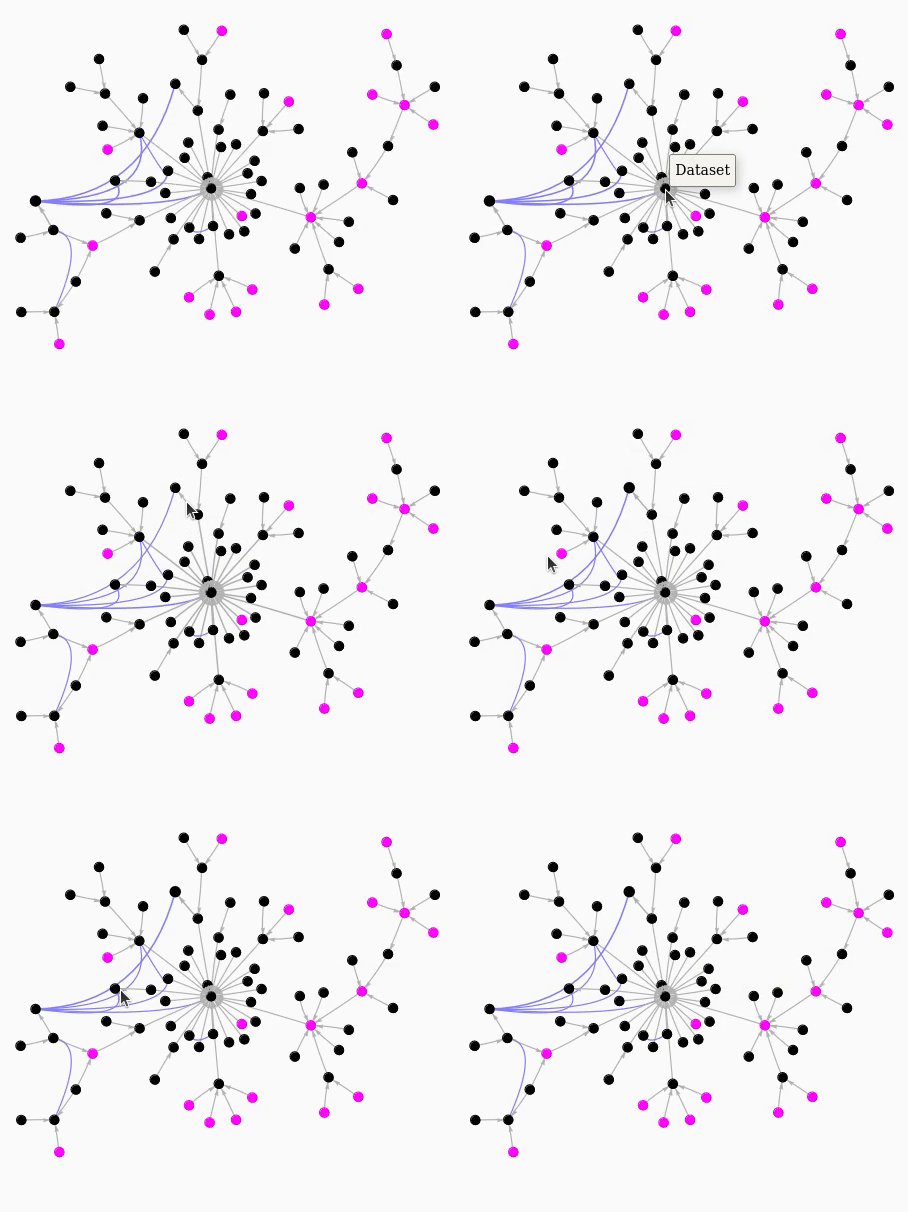
Interactive Class Graph Styles
The style of interactive graphs can be controlled by a number of style dictionaries.
Using the previous example, first instantiate a ClassGraphTree:
from yt.frontends import *
from yt.data_objects.static_output import Dataset
from inheritance_explorer import ClassGraphTree

cgt = ClassGraphTree(Dataset, funcname='_parse_parameter_file')
You can then pass in dictionaries to control the node style as well as the two
edge types: the base inheritance connections (edge_style) as well as the
similarity connections (similarity_edge_style). You can further set the color
of the nodes that over-ride the tracked function with the override_node_color
keyword argument. For example:
node_style = {'size': 20.0, 'color':'magenta'}
edge_style = {'weight': 5}
sim_style = {'color': (.5, .5, 1.), 'weight':5}
graph = cgt.build_interactive_graph(width="500px",
                                    height="500px",
                                    bgcolor=(0.98,.98,.98),
                                    font_color='black',
                                    node_style=node_style,
                                    edge_style = edge_style,
                                    similarity_edge_style=sim_style,
                                    override_node_color='black',
                                    cdn_resources='in_line'
                                   )
graph.show('_tmp.html')
The following screen capture shows the interactive graph in action: